
Intuitive Payment Integrations
Choose the best payment provider for your business. Offering a range of top-notch payment providers.
Access 40+ Payment Gateways for your e-commerce store to sell globally. Manage, monitor, and analyze all your transaction data in one place.
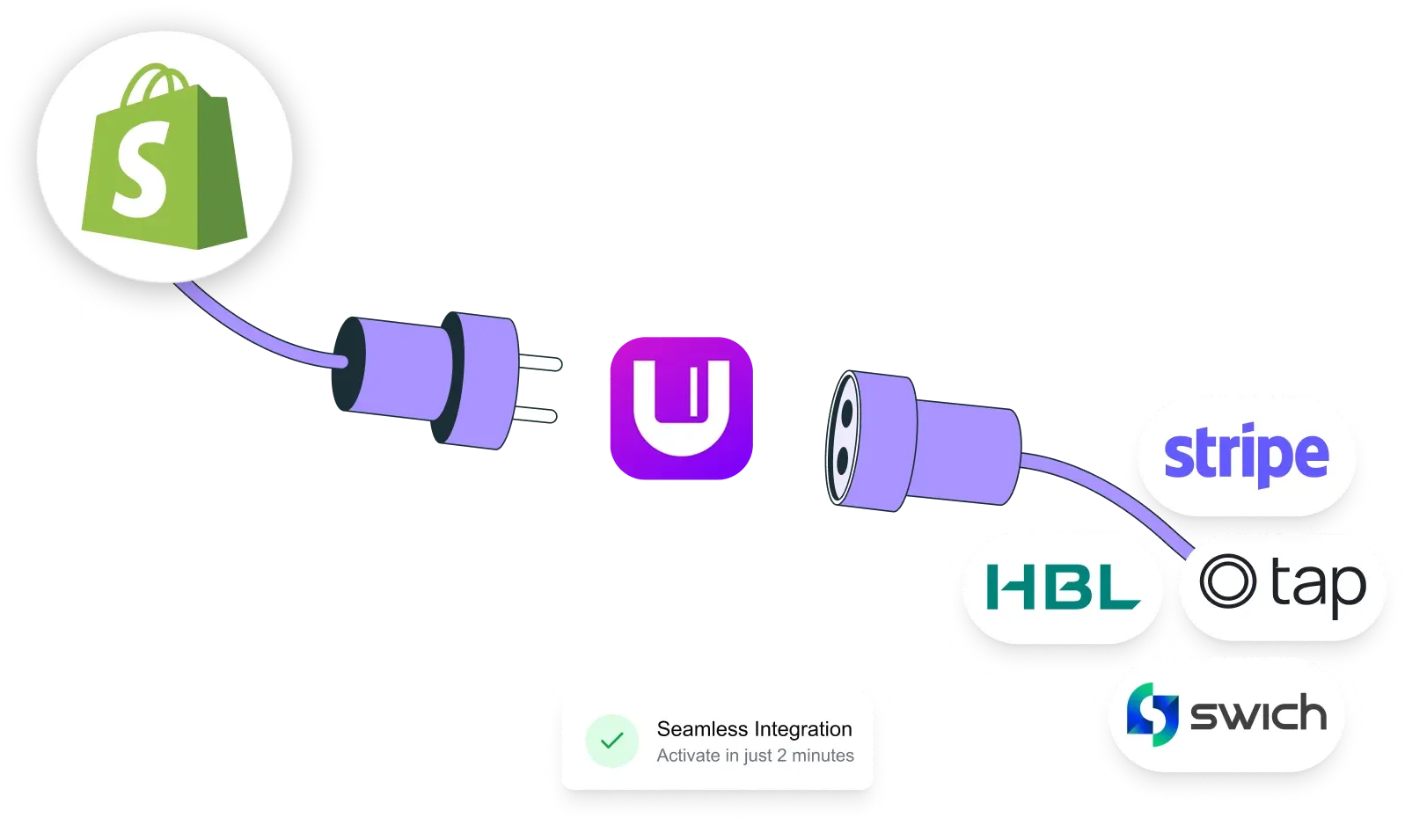
Connecting Shopify stores worldwide to multiple payment gateways, processing millions in transactions every month through one seamless integration.

Install the app from the Shopify App Store in one click. No developer needed.
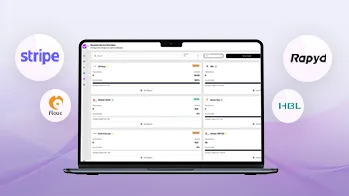
Choose from 40+ payment providers and activate them instantly from your dashboard.
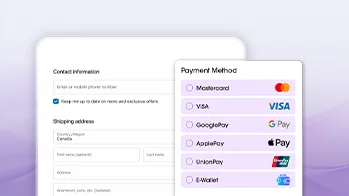
Go live and start accepting payments from customers worldwide in minutes.
Powerful tools built for Shopify merchants. Manage gateways, monitor transactions, and grow your business without the complexity.
Choose the best payment provider for your business. Offering a range of top-notch payment providers.

Get a comprehensive report on paid orders, payments and list order gateways along with their transaction ID.

Add and switch currencies to cater to your customers all around the globe.

Configure and integrate your desired payment gateway all by yourself.

Optimize your order table as you see fit. Add filters, generate reports, and analyze the performance of your payment gateway.

Allowing you to take advance payment from customers for the products they ordered and are to be received at later dates.
Connect your Shopify store to every major local and global payment provider in minutes.












































UnumPay solves the exact challenges Shopify merchants face when scaling payments globally.

Shopify Payments is only available in a few countries. For the rest of the world, merchants are left without a native checkout solution. UnumPay fills that gap. As a Shopify-approved payment app, UnumPay works as a native payment solution for every region where Shopify Payments is not available. Sell to customers anywhere in the world and accept payments in their local currency.
Learn More →
Relying on a single payment gateway puts your entire revenue at risk. If it goes down, your checkout goes down with it. UnumPay connects your Shopify store to 40+ payment gateways through one integration, so you can run multiple gateways simultaneously and keep your store open for business no matter what.
Learn More →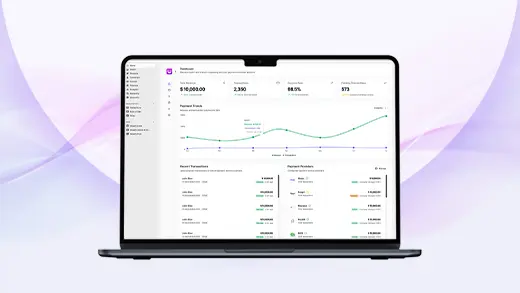
When you are processing payments through multiple providers, reconciliation becomes complicated fast. UnumPay brings everything into one unified dashboard with real-time transaction monitoring, success rates, revenue tracking, refund management, and detailed reporting across all your connected gateways.
Learn More →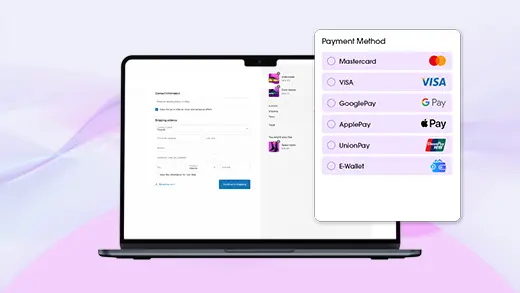
Getting started with UnumPay is simple. Connect your Shopify store once and instantly unlock a full range of payment options including card payments, e-wallets, payment links, Google Pay, Apple Pay, and local payment gateways relevant to your market.
Learn More →Real merchants. Real results. See how UnumPay is transforming payment experiences for Shopify stores.

"Experience is good for this app. Very helpful to reconcile daily payment transactions. Thanks for making it easire for online payments reconciliation"

"This app has made payment integration and reconciliation an automated and seamless process for us. Allows us to process and confirm prepaid orders much quicker! Also have an amazing support team!"

"An excellent app for payment gateways reporting with top class support and guidance. Alchemative guys are super fast at response and support especially Mr. Sikandar. He guided us for every step to integrate the app with our store."
Tips, tutorials and expert guides for Shopify merchants navigating payments globally.
Shopify Payments is unavailable in Pakistan. This guide covers how to open merchant accounts, connect payment providers, and manage reconciliation for your Shopify store.
Read Article →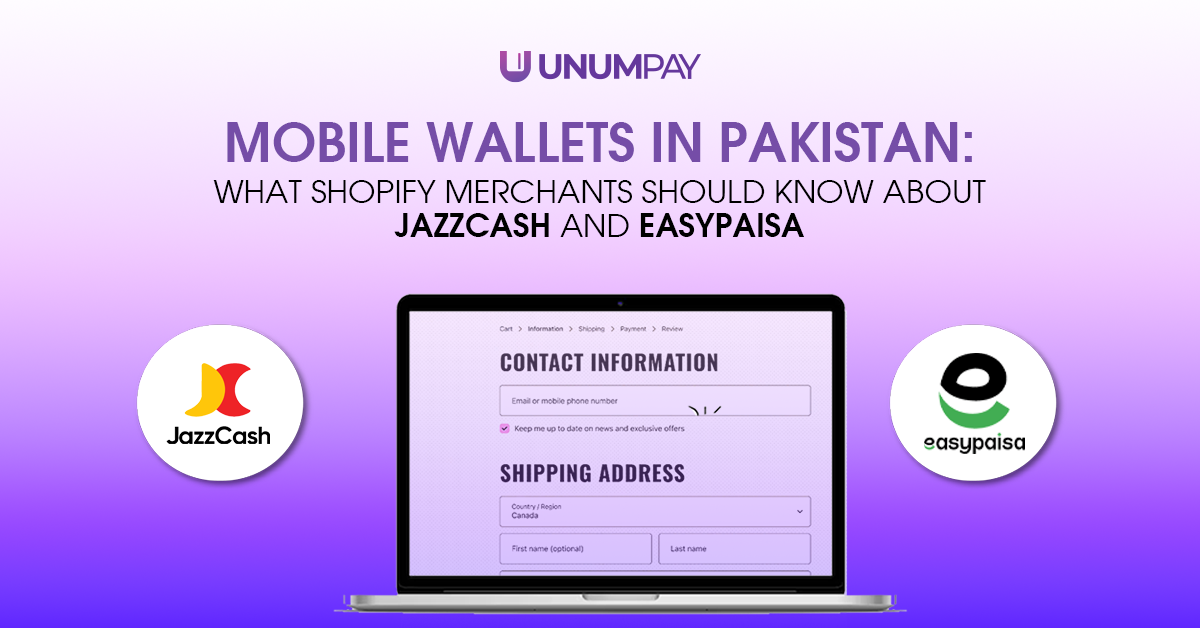
How JazzCash and Easypaisa work on Shopify in Pakistan: fees, integration, checkout impact, and which mobile wallets to offer to convert more buyers.
Read Article →
Shopify Payments is not available in Pakistan. This step-by-step guide covers which payment methods to set up first and how to connect third-party payment providers to your Shopify store.
Read Article →Join 2,500+ Shopify merchants already using UnumPay. Free to install. No credit card. No developer required.